Services
Servers
The team of IT specialists #connector offers services for the configuration, maintenance and technical support of server equipment for organizations in Uzbekistan
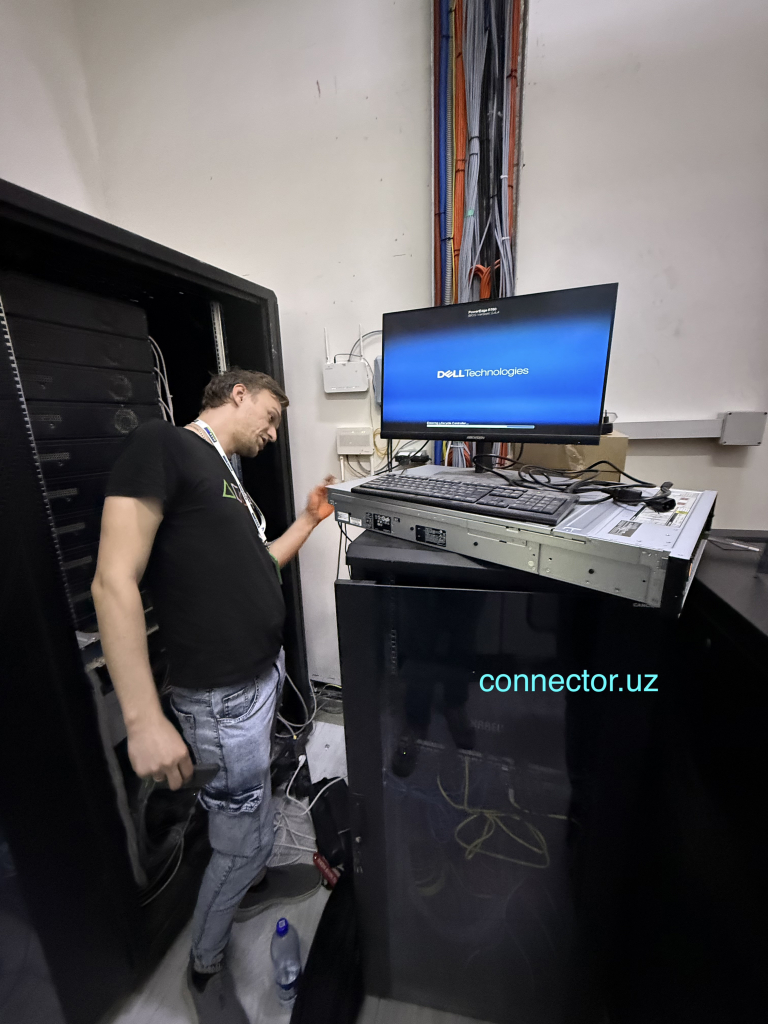
For these works, we have experienced engineers of the IT department (IT unit) (see Company structure), which perform a wide range of work on the installation and configuration of software on physical and virtual servers, data storage systems (NAS), video recorders/video servers and other server equipment.
We have been operating in the IT market of Uzbekistan since 2009. During the period of work, projects for the installation and configuration of server software have been implemented for almost a hundred organizations representing various industries. Most of the servers of these organizations are under constant maintenance. For all the time of work, we have accumulated significant professional experience, which allows us to perform work on the installation and configuration of software solutions for servers at a high level of quality.
Maintenance of servers provided by our company is constantly accompanied by timely installation, updating and configuration of server software on the servers of Customers. This allows us to provide these services taking into account current technological trends.
The team of IT specialists #connector offers not only services, but also the supply of server equipment for organizations in Uzbekistan.
For the sale of servers, we have created a page on our website for the supply of IT equipment https://zetrix.uz/product-category/servery/
ZETRIX Ltd. is a trading company that is part of the #connector group of companies.
We offer a wide range of servers from the world’s leading brands (manufacturers), providing each client with a professional approach, individual selection of configurations and a full cycle of technical support at all stages of cooperation.
What is a Server?
A server is a specialized powerful computer or software designed to store data, process requests and provide services to other devices (clients) in the network. It works around the clock, providing uninterrupted access to information.
Servers can exist both as separate physical equipment and as virtual machines (software solutions). In the following, we will use the terms physical server and virtual server (virtual machine).
It so happened in the IT world that some software is called servers. For example: Windows Server, SQL server, mail server, etc.
Therefore, people who do not work in the IT field may not understand phrases, for example: “Install a mail server on a server”, “Deploy a virtual server on a physical server”, “Install Windows Server on a virtual machine of a physical server”, etc.
This is normal. After reading our article, you already understand what a server is.






What are servers for?
Let’s start with when a server is required. When an organization has multiple computers, they can work together on a local network without a dedicated server. The network turns out to be peer-to-peer, in which each computer is its own master. There is a situation that an ordinary employee or engineer easily gets to the computer of a director, accountant and lawyer and can view, download and change documents there. Also, any employee can disable antivirus protection, catch a virus and infect all computers in the network. There may also be problems with the speed of the Internet, if, for example, employees slowly download something from the Internet or watch online videos. Employees can also install any programs and games on their own, the installation of which will disrupt the performance of important and necessary programs. As a manager, you will constantly call “IT specialists” to fix everything. But in this case, this is not a panacea. You need a network that will work UNDER CONTROL, you need software that will manage all users and computers. This is exactly what server software is. The server software is of course installed on the servers. Only the network managed by the server will be secure and controlled.
The rest of the cases when servers are needed are dictated by the need for IT tasks, solutions and technologies for the organization. Next, we will consider them in more detail.
What are the types of servers and how do they differ?
By form of implementation
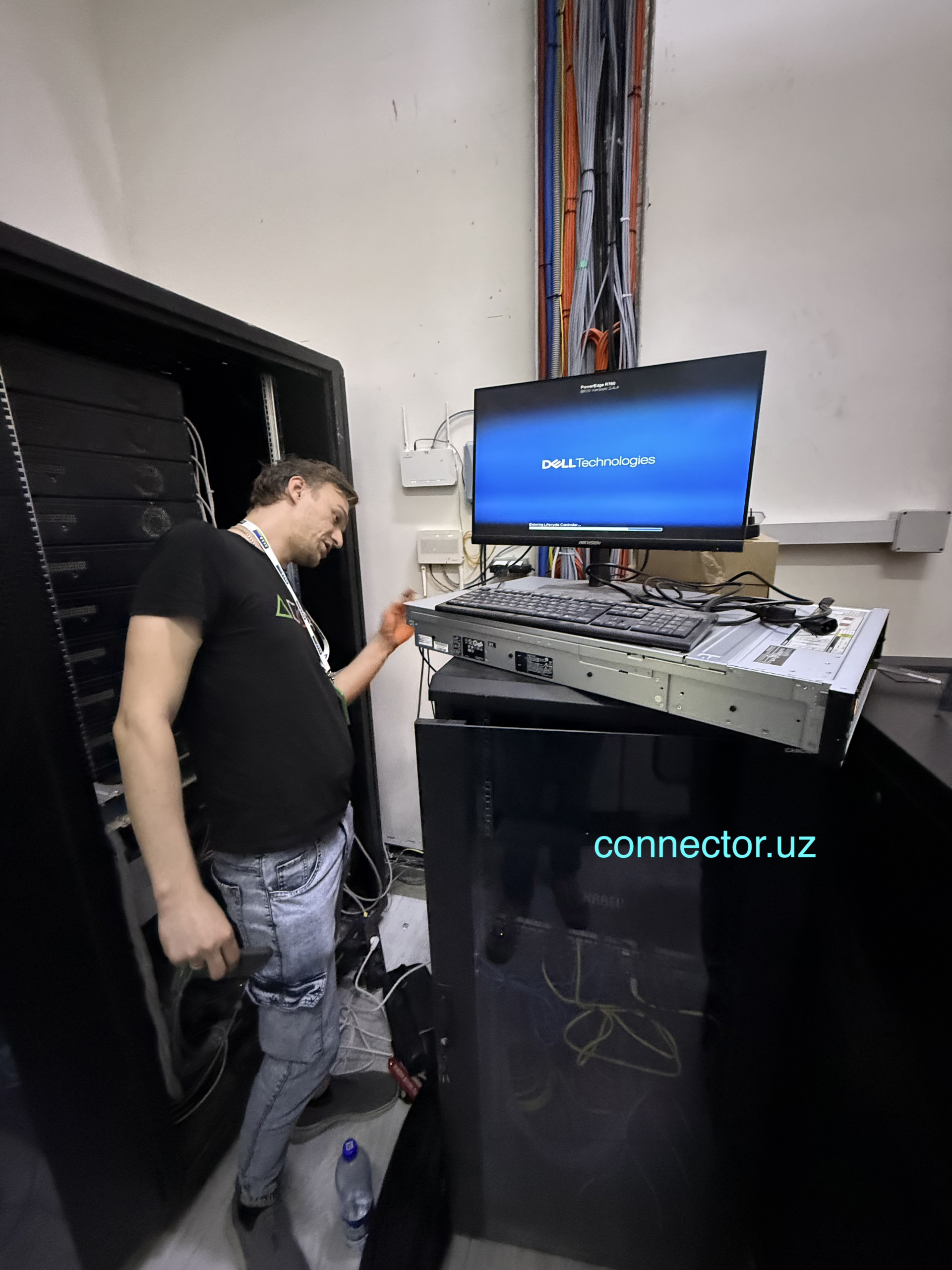
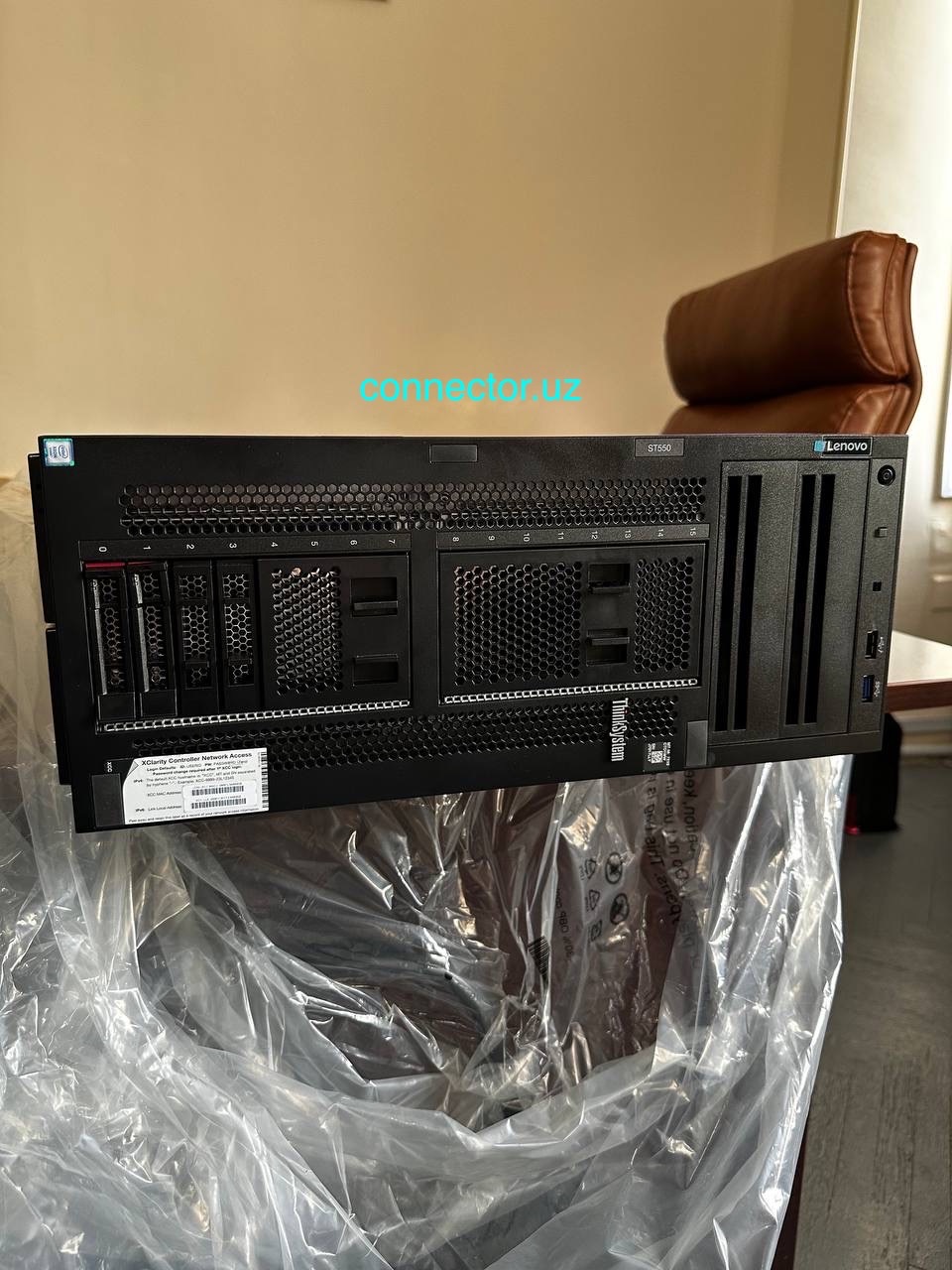
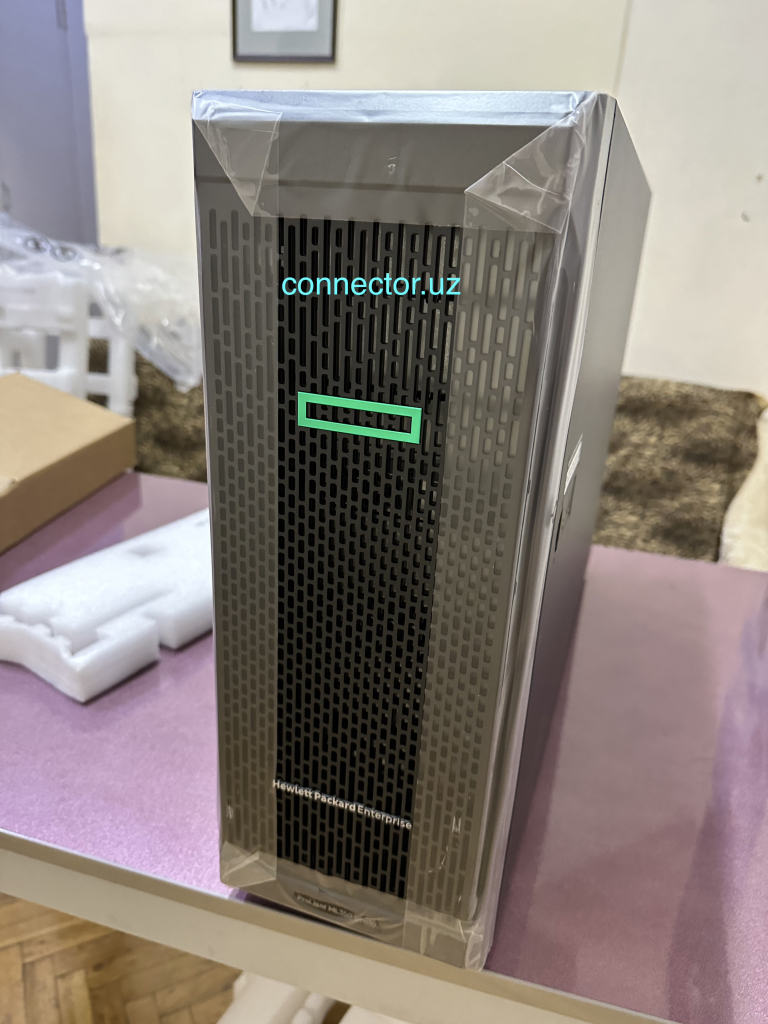
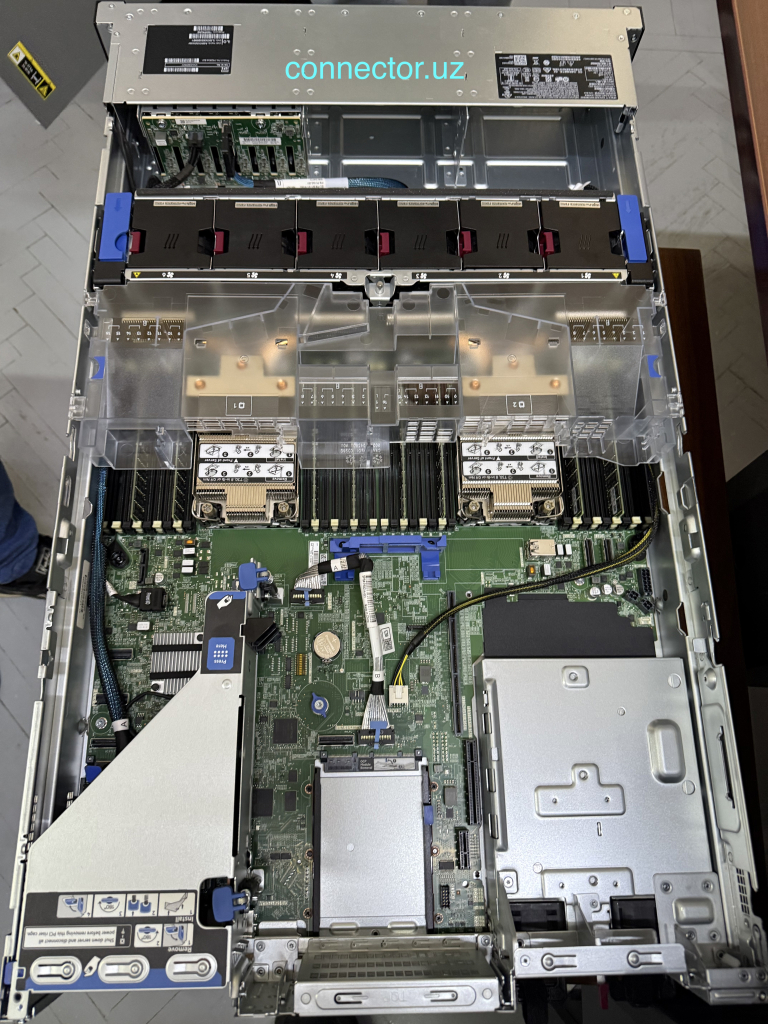
- Physical servers are individual machines in racks or enclosures that are designed to run around the clock.
- Virtual servers (VPS/VDS) are software instances running on the basis of a physical server inside hypervisor software, convenient for flexible organization of server resources.
- Cloud servers are virtual machines running in the provider’s infrastructure (for example: AWS, Azure, Google Cloud, etc.) that provide computing resources “on demand” over the Internet.
By origin
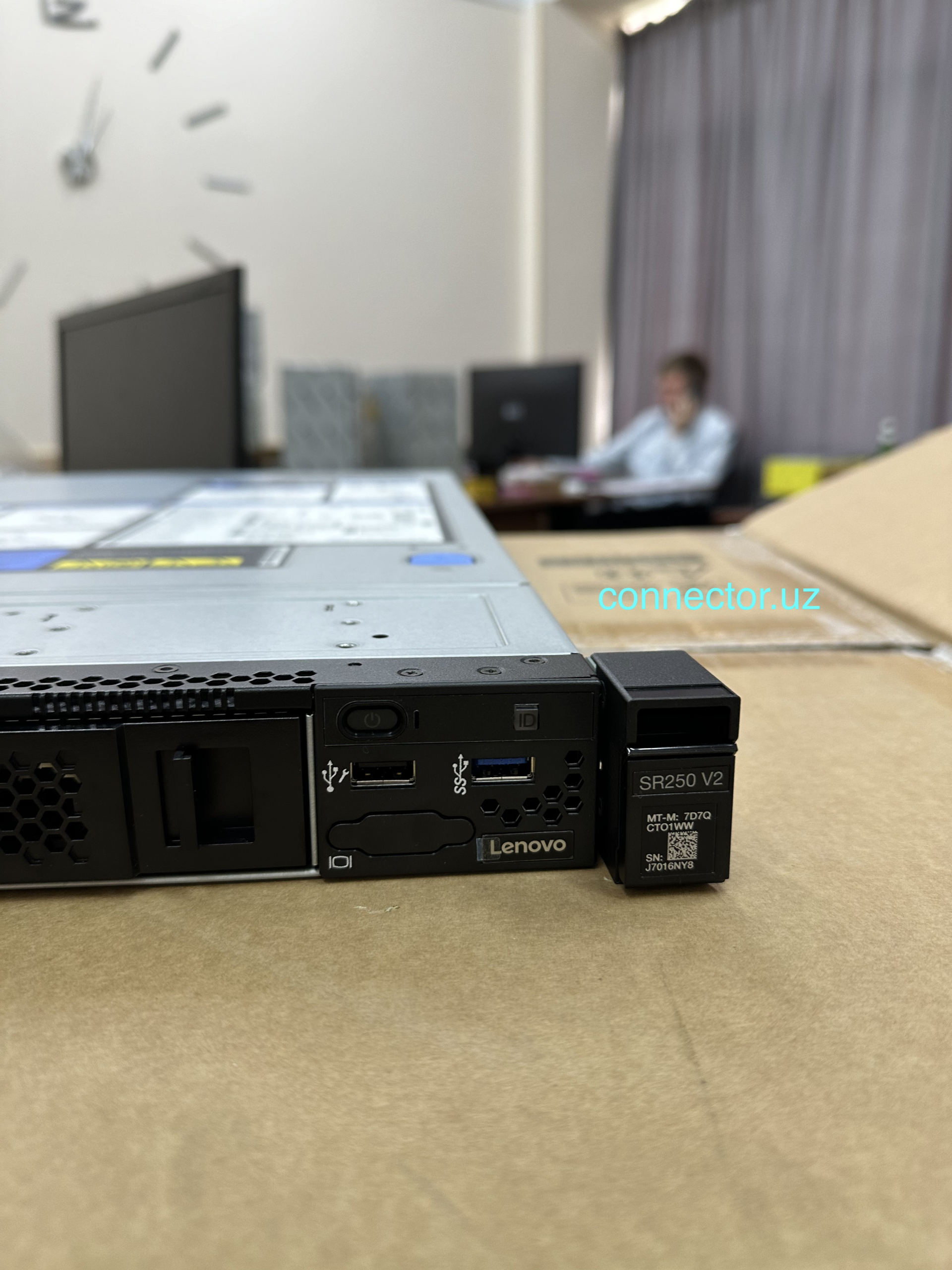
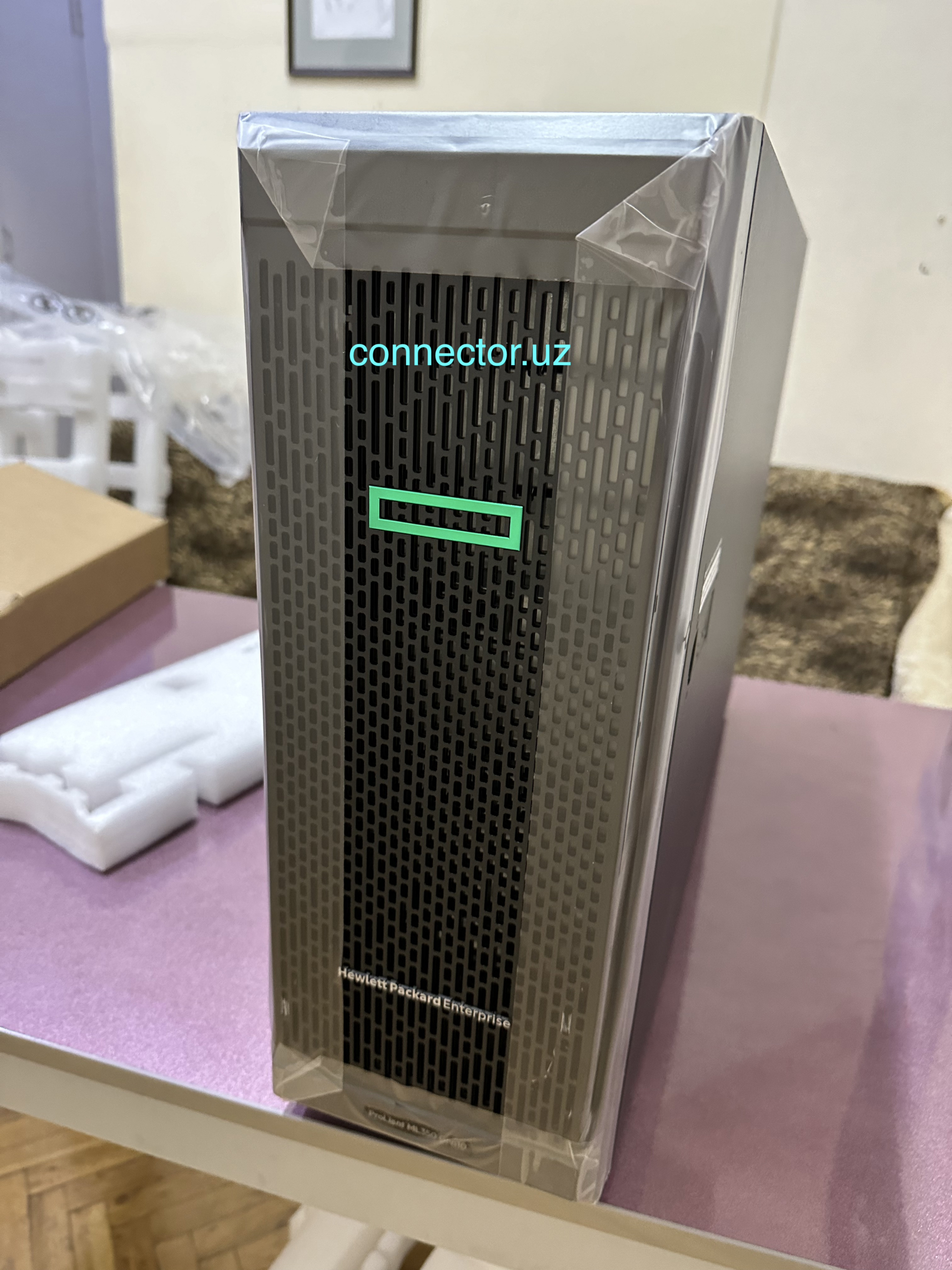
- Ready-made “white” servers – branded solutions from Dell, HP, Lenovo, etc., with warranty and support.
- Self-assembled PC-based ones are a budget option when the server is assembled from well-chosen components.
By purpose
- Classic universal – for popular applications: domain controllers, web servers, file, mail, databases.
- Specialized – narrowly focused on the tasks:
- virtualization servers (HyperV, VMware),
- application servers (1C, SAP),
- Security servers (DLP, Kerio Control),
- monitoring servers (Zabbix, Nagios),
- game servers
What software is used on servers
Systemic
These are basic programs without which the server will not be able to work.
- Operating systems: Linux (Ubuntu Server, CentOS, Red Hat), Windows Server.
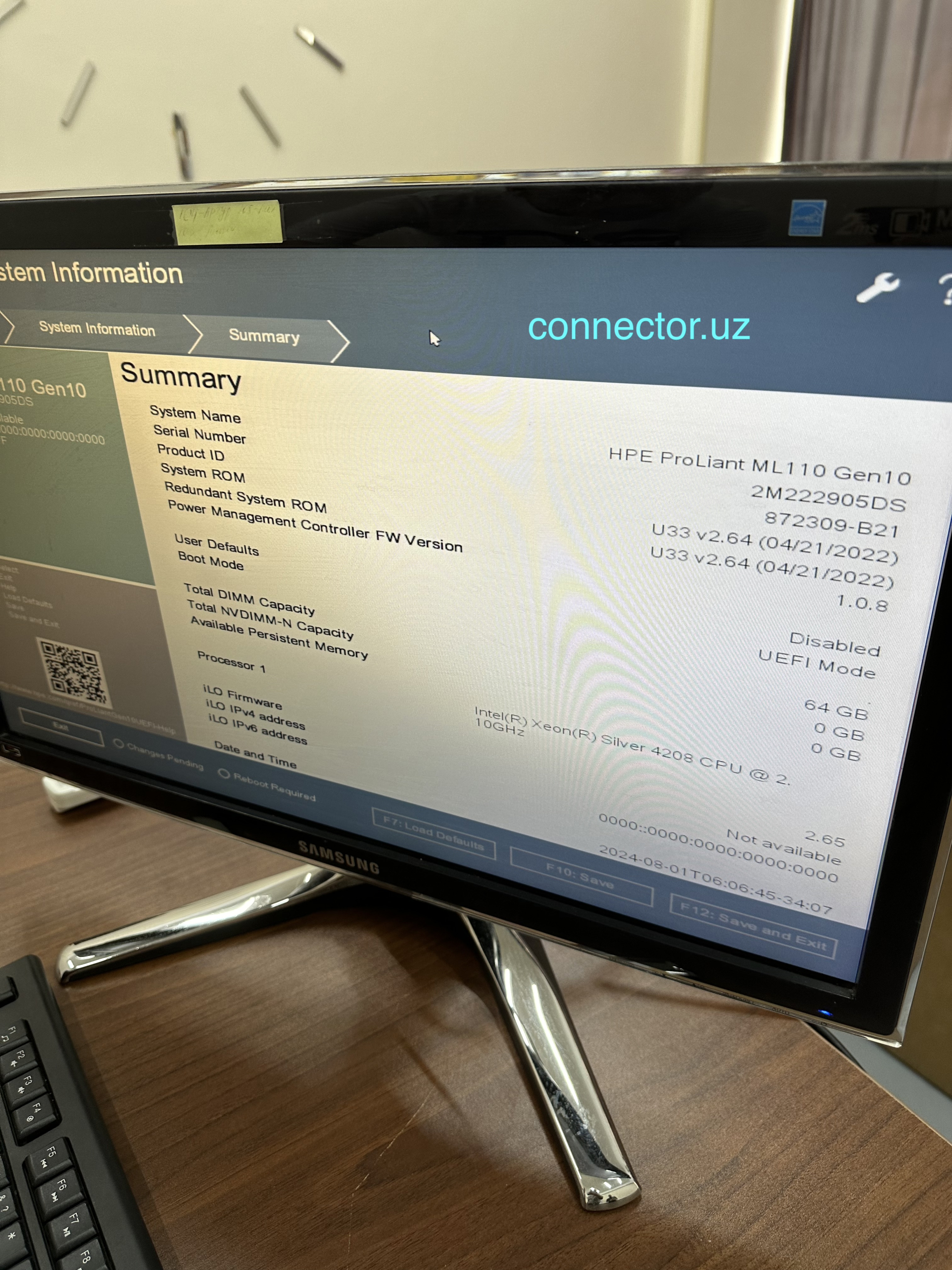
- Microfirmware of server components. Setting up the BIOS of servers, configuring RAID arrays, etc.
- Drivers and kernel: Ensure the interaction between hardware and applications.
- System utilities: management of memory, processes, file systems.
The system software is responsible for the operation of the server itself and its hardware.
Service
Software that helps you manage, control, and protect your server.
- Antiviruses and firewalls (Kerio Control, iptables).
- Monitoring and logging (Zabbix, Nagios, Prometheus).
- Backup and recovery (Veeam, Bacula).
- Virtualization tools (VMware, HyperV, Proxmox).
Utilities ensure server usability, security, and stability
Applied
This is the software for which the server is created – specific services for users.
- Web servers (Apache, Nginx, IIS).
- Databases (MySQL, PostgreSQL, MS SQL Server).
- Mail servers (Postfix, Exim, Microsoft Exchange).
- Enterprise applications (1C, SAP, CRM, ERP).
- Game servers (Minecraft, CS:GO).
Application software implements business tasks and services that organizations need.
Our team installs and configures almost all types of software on servers. We install software of various categories: licensed, Open Source, shareware and demo versions. License rights to the installed software are usually granted by the Customer. If necessary, the Customer can purchase licensed software through our company.
Our experience is the key to your success!
We are trusted by dozens of organizations in Uzbekistan, choosing us as their reliable partner. You can read the reviews of our customers here.
Servers. Subsections


Server Configuration and Setup


Kubernetes


Antivirus Management Server Configuration


Connecting enterprise branches via VPN
Reliable connection of branches via a secure channel